Question: How do I change or switch modes on the Laser 2K WiFi Dashcam?
Answer:
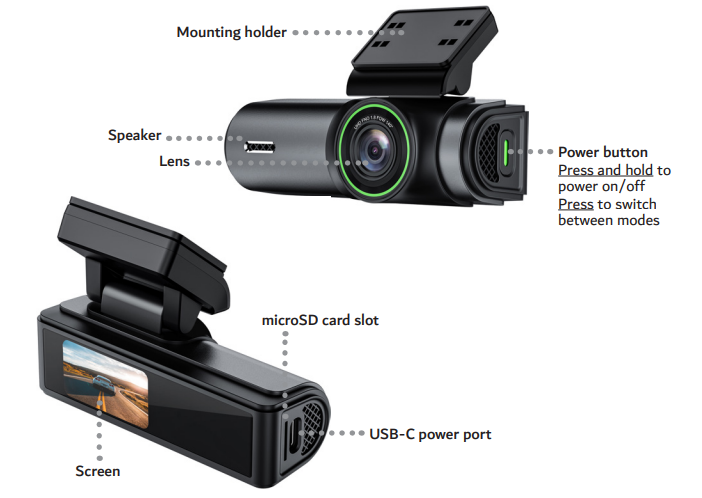
Mode switching is done using a single power button. The manual shows that tapping the power button cycles between:
Recording mode
QR code (for app setup)
Screen on or off
To switch modes:
Quickly tap the power button.
Continue tapping to cycle through the options.
This applies to the Laser 2K Dash Camera WiFi App Control Black.
Was this article helpful?
That’s Great!
Thank you for your feedback
Sorry! We couldn't be helpful
Thank you for your feedback
Feedback sent
We appreciate your effort and will try to fix the article